
ADVERTISEMENT


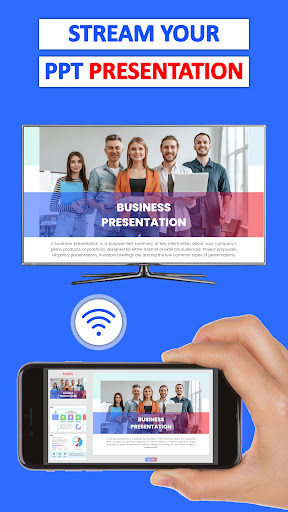
Cast Phone to TV, Chromecast is a versatile app that allows you to easily screen mirror your phone to your TV screen. With this app, you can cast videos, photos, music, and presentations from your phone directly to your TV using Chromecast or any device with Wi-Fi or remote internet access. This screen mirroring app offers a seamless way to stream movies, play games, and view multimedia content on a larger screen.
- Faster screen casting for smooth and lag-free experience.
- Supports casting of games, videos, movies, and even live videos.
- Compatibility with multiple devices for easy TV casting.
- Simple and fast live streaming of content.
- Ability to cast live video directly on the TV screen.
- Screen mirroring on multiple devices simultaneously.
- Play mobile games and cast videos on the TV screen for a more immersive experience.
- Cast photos and videos stored in your gallery or camera roll.
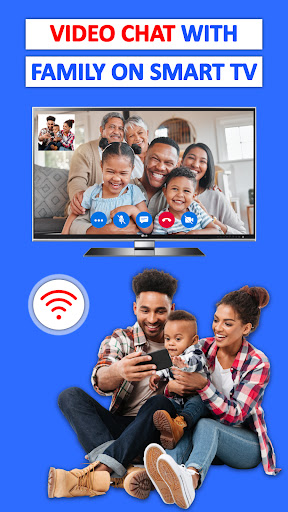
- Supports various media formats including video calls, audios, e-books, photos, and pdfs.
- Compatibility with a wide range of smart TVs including Samsung, LG, Panasonic, Hisense, Philips, Hitachi, Grundig, and TCL.
- Supports popular streaming devices like Fire TV, Amazon Firestick, Roku TV, Roku Stick, Anycast, and Google Chromecast.
- Compatible with DLNA receivers and wireless adapters.
Q1: What can I do with Cast Phone to TV, Chromecast?
A1: You can watch movies, listen to music, relive memories with photos and videos, attend meetings, play games, and even capture screenshots from various platforms like YouTube, Dailymotion, Vimeo, and Twitch. Additionally, you can enjoy sports games with your family and friends.
Q2: What devices are supported by Miracast - Castto app?
A2: Miracast - Castto app supports smart TVs, wireless adapters, DLNA receivers, laptops, and gaming consoles.
Q3: Can I cast live videos and browser content to my TV?
A3: Yes, you can cast live videos from websites like YouTube, Bigo Live, Twitch, and various browsers in real-time speed for meetings, demonstrations, and blogging.
Cast Phone to TV, Chromecast is a powerful screen mirroring tool that allows you to effortlessly share your photos, videos, games, presentations, and documents with friends and family. It supports streaming to any web browser with zero delay and delivers content in HD quality. With its easy-to-use interface and compatibility with various devices, this app enhances your TV viewing experience by bringing your favorite content to the big screen. Whether you're streaming movies, watching videos, or playing games, Cast Phone to TV, Chromecast offers a seamless and convenient solution for screen mirroring.
ADVERTISEMENT






Business

Business

Business

Business

Business

Business

Business

Business

Business

Business

Business

Business

Business

Business

Business

Business

Business

Business

Business

Business

Business

Business

Business

Business

Communication

Social

Social

Shopping

Action

Communication

Entertainment

Social

Video Players & Editors

Entertainment


