
ADVERTISEMENT
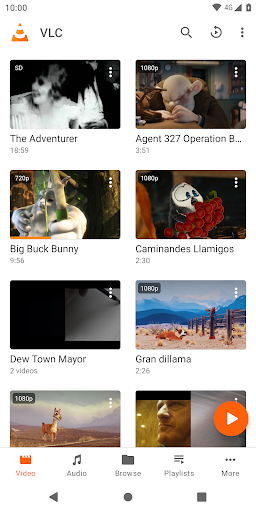
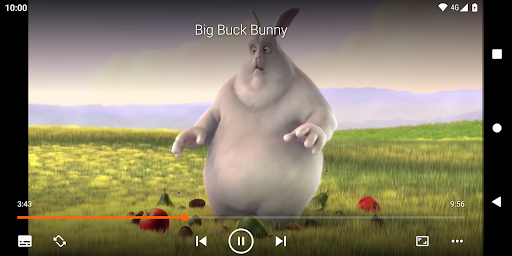
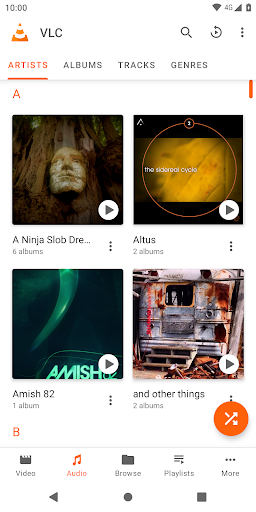
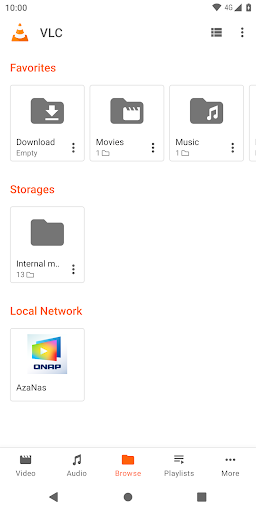
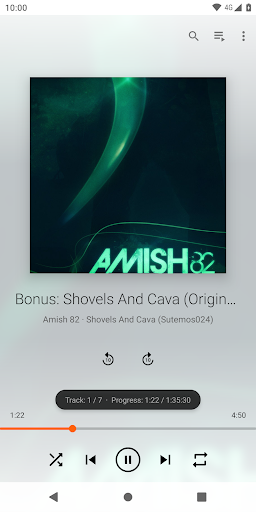
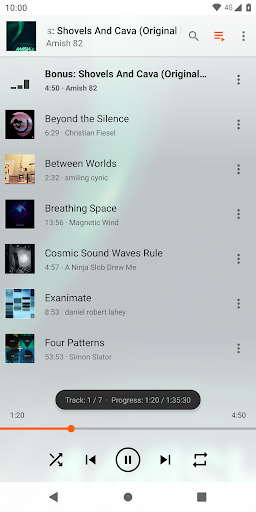
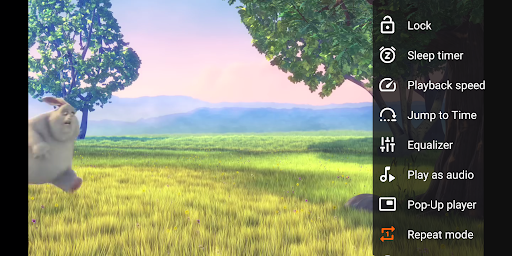
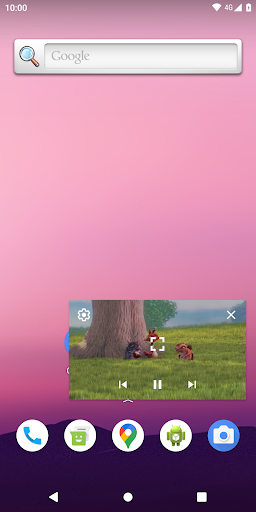
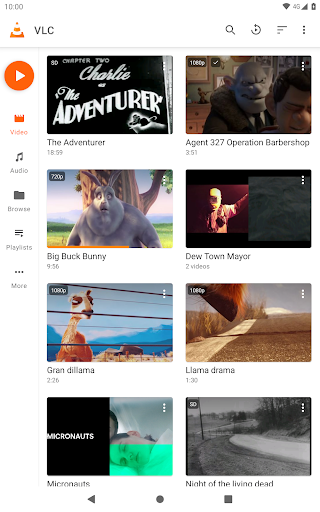
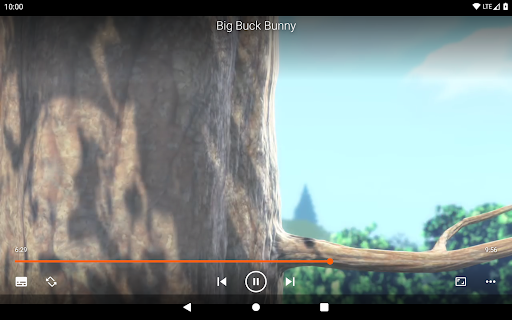
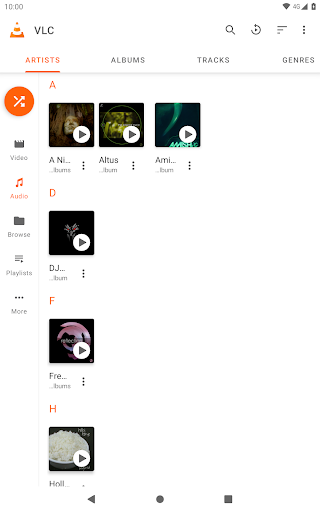
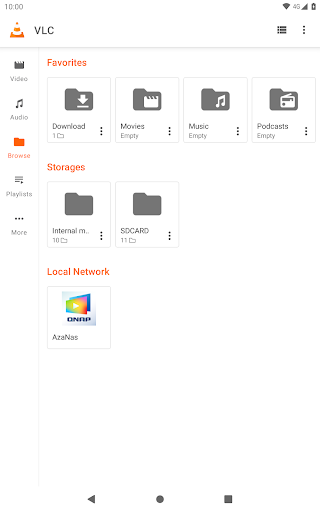
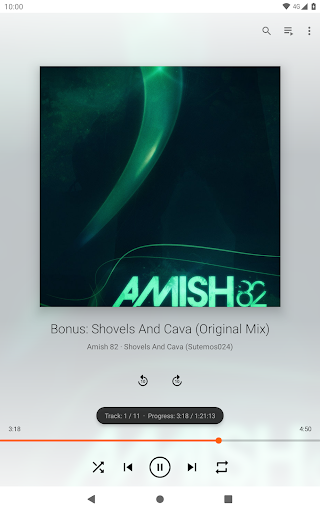
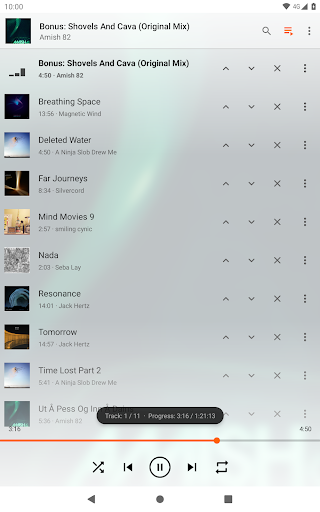
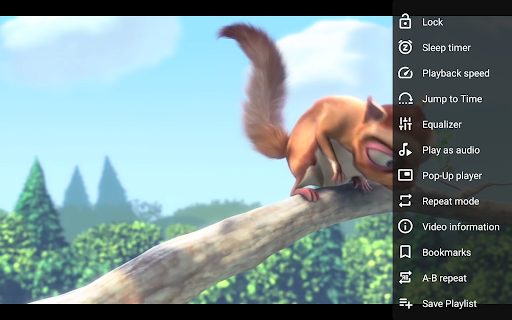
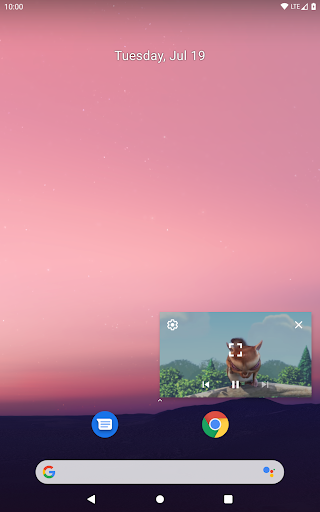
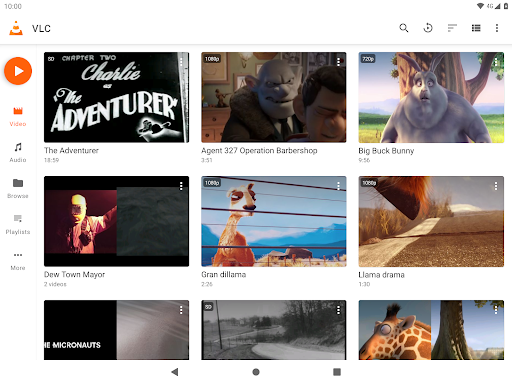
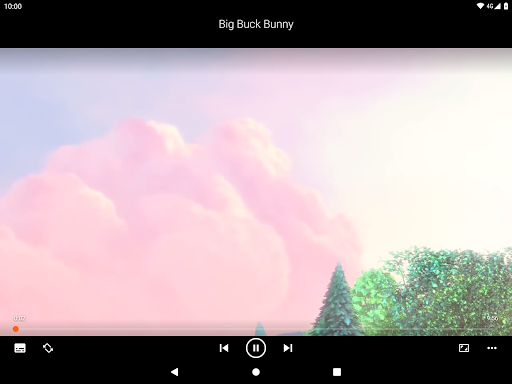
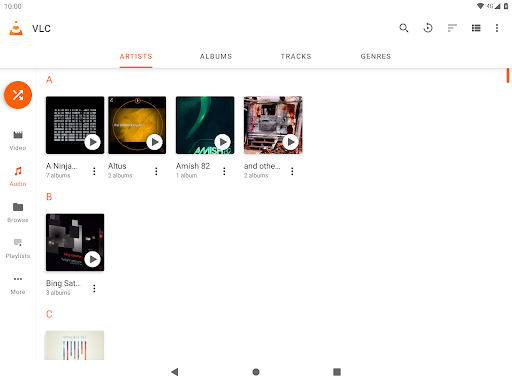
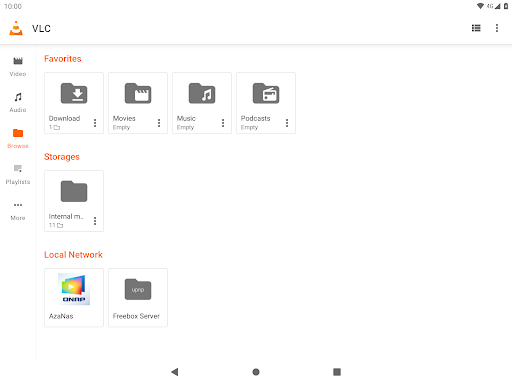
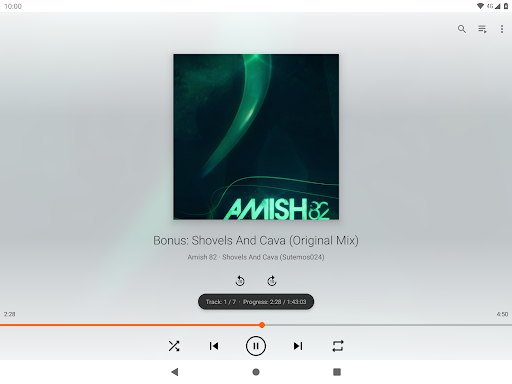
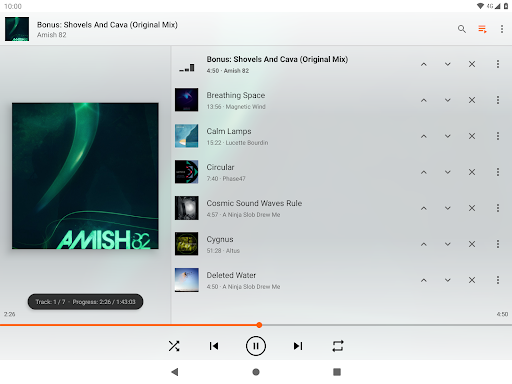

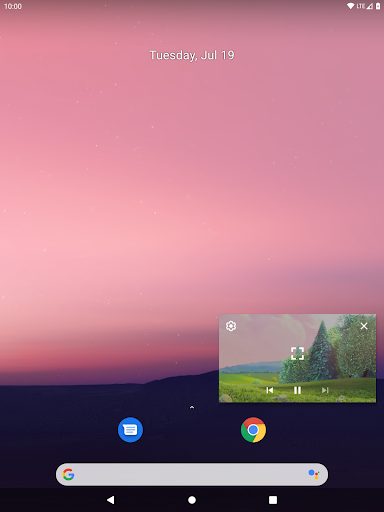


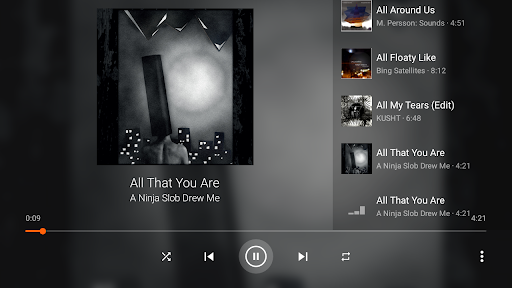

VLC for Android is a free and open-source multimedia player that supports various media formats, discs, devices, and network streaming protocols. It is a port of the popular VLC media player to the Android platform, allowing users to play video and audio files, network streams, network shares and drives, and DVD ISOs on their mobile devices. This app provides all the features of the desktop version of VLC, including a complete audio player with a database, an equalizer, filters, and support for all kinds of audio formats.
VLC for Android is an ideal choice for anyone looking for a reliable and versatile media player for their Android device. Here are some reasons to download VLC for Android:
1. Play any video and audio files: VLC for Android can handle a wide range of media file formats, including MKV, MP4, AVI, MOV, Ogg, FLAC, TS, M2TS, Wv, and AAC. It doesn't require any separate downloads for codecs.
2. Network streaming support: This app allows you to stream media content from various online sources, including adaptive streaming and DVD ISOs. It also supports disk shares, making it easier to access your media files from external storage devices.
3. Media library and browsing: VLC for Android includes a media library that helps you organize and manage your audio and video files. It allows you to browse folders directly and find your media files with ease.
4. Advanced features: VLC for Android offers advanced features such as multi-track audio and subtitles support, auto-rotation, aspect-ratio adjustments, and gestures for volume control, brightness adjustment, and seeking.
5. No ads or in-app purchases: Unlike many other media player apps, VLC for Android is completely free and does not contain any ads or in-app purchases. It is developed by passionate volunteers and all the source code is available for free.
- Plays most local video and audio files, including network streams and DVD ISOs
- Supports a wide range of media formats, including MKV, MP4, AVI, MOV, Ogg, FLAC, TS, M2TS, Wv, and AAC
- Includes subtitles, Teletext, and Closed Captions support
- Offers a media library for easy organization and browsing of audio and video files
- Allows for multi-track audio and subtitles playback
- Provides auto-rotation, aspect-ratio adjustments, and gesture controls for volume, brightness, and seeking
- Includes a widget for convenient audio control and supports audio headsets control
- Permission requirements include access to media files, network connections, audio settings, system settings, and more
VLC for Android is an excellent multimedia player that offers a complete set of features for playing various video and audio files on your Android device. With its extensive codec support and network streaming capabilities, it can handle almost any media format and source. The app's media library and browsing features make it easy to organize and find your media files, while the advanced playback controls and settings provide a seamless and personalized viewing experience. What sets VLC for Android apart is its ad-free and open-source nature, ensuring a clean and transparent user experience. Overall, it is a reliable and powerful media player that caters to the needs of all Android users, without compromising on quality or functionality.


ADVERTISEMENT

Video Players & Editors

Video Players & Editors

Video Players & Editors

Video Players & Editors

Video Players & Editors

Video Players & Editors

Video Players & Editors

Video Players & Editors

Video Players & Editors

Video Players & Editors

Video Players & Editors

Video Players & Editors

Video Players & Editors

Video Players & Editors

Video Players & Editors

Video Players & Editors

Video Players & Editors

Video Players & Editors

Video Players & Editors

Video Players & Editors

Video Players & Editors

Video Players & Editors

Video Players & Editors

Video Players & Editors

Communication

Social

Social

Shopping

Action

Communication

Entertainment

Social
Video Players & Editors

Entertainment
ADVERTISEMENT


